User Profile Unmanaged Attribute Policy
When configuring Keycloak user profiles, the unmanagedAttributePolicy setting controls how Keycloak handles user attributes that are not explicitly defined in the user profile configuration.
Related issue: #1016
What is unmanagedAttributePolicy?
The unmanagedAttributePolicy determines how Keycloak handles attributes that are not listed in the attributes section of the user profile configuration.
These are called unmanaged attributes.
Examples:
- department
- phone_extension
- legacy_system_id
Policy Values
| Value | Behavior | Typical Use Case |
|---|---|---|
ENABLED |
Users can create and edit unmanaged attributes | Flexible/self-service environments |
ADMIN_EDIT |
Only admins can create or edit unmanaged attributes | Controlled enterprise environments |
ADMIN_VIEW |
Only admins can view unmanaged attributes | Sensitive/system-managed metadata |
Correct Configuration Structure
Incorrect Configuration
{
  "realm": "myrealm",
  "userProfile": {
    "unmanagedAttributePolicy": "ENABLED",
    "attributes": [
      {
        "name": "username"
      }
    ]
  }
}
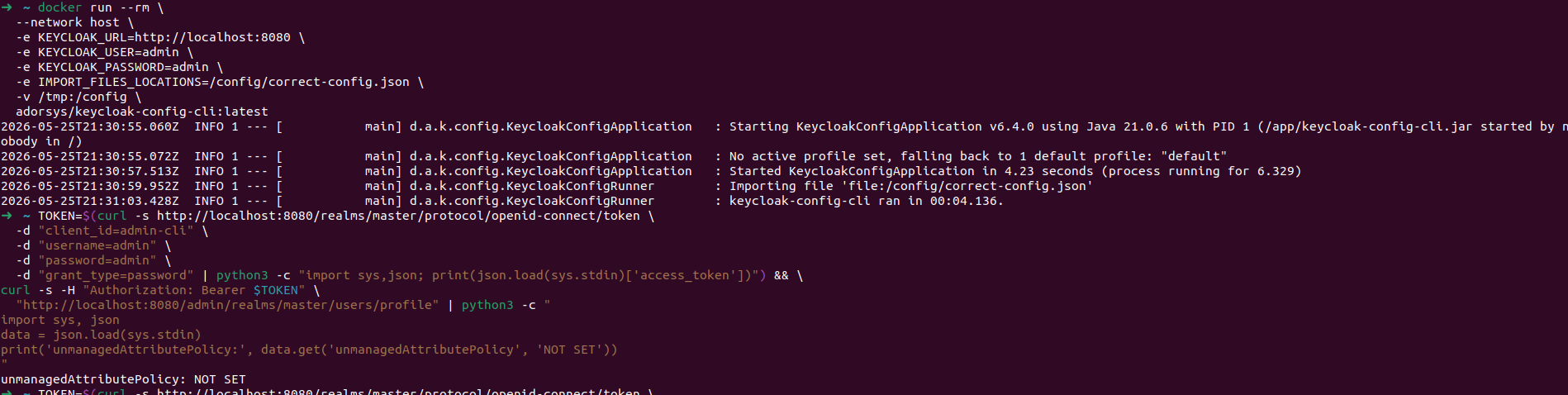
Correct Configuration
{
  "realm": "myrealm",
  "userProfile": {
    "attributes": [
      {
        "name": "username",
        "required": true
      },
      {
        "name": "email",
        "required": true
      }
    ],
    "unmanagedAttributePolicy": "ENABLED"
  }
}
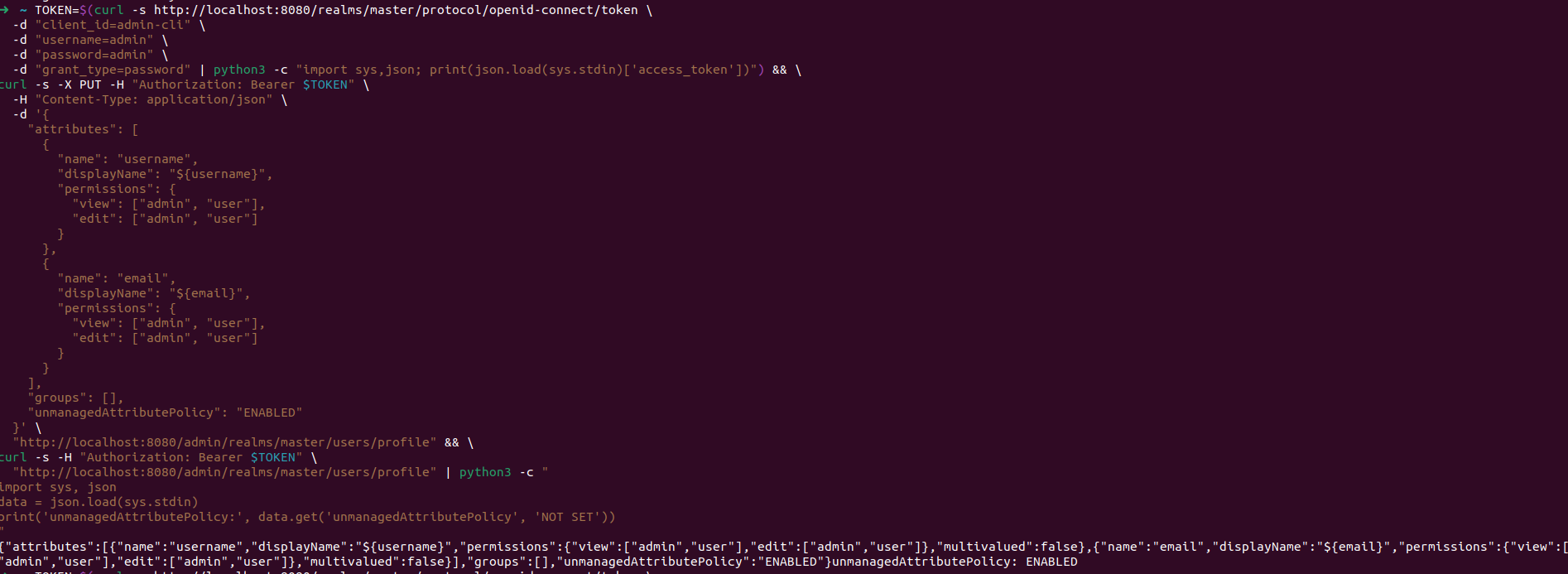
Key Points
unmanagedAttributePolicybelongs insideuserProfile- It is at the same level as
attributes - Core attributes should be explicitly defined
Managed vs Unmanaged Attributes
| Type | Defined in attributes |
Validations | Permissions |
|---|---|---|---|
| Managed | Yes | Yes | Yes |
| Unmanaged | No | No | Controlled by policy |
Policy Behavior
Assume the following unmanaged attribute exists:
| Policy | User Can View | User Can Edit | Admin Can Edit |
|---|---|---|---|
ENABLED |
Yes | Yes | Yes |
ADMIN_EDIT |
Yes | No | Yes |
ADMIN_VIEW |
No | No | Yes |
Testing in the Keycloak Admin UI
After importing the configuration:
- Open the Admin Console
- Navigate to:
- Create a test user
- Add an unmanaged attribute:
- Test behavior using:
ENABLEDADMIN_EDITADMIN_VIEW
Importing Configuration with keycloak-config-cli
java -jar keycloak-config-cli.jar \
  --keycloak.url=http://localhost:8080 \
  --keycloak.user=admin \
  --keycloak.password=admin \
  --import.files.locations=user-profile-config.json
Common Pitfalls
1. Wrong Configuration Level
Incorrect:
Correct:
2. Missing Required Attributes
Avoid enabling user profiles without defining standard attributes such as:
- username
- email
3. Confusing Managed and Unmanaged Attributes
A managed attribute behaves differently from an unmanaged attribute even if they have the same name.
Example:
- Managed department → permissions and validations apply
- Unmanaged department → behavior controlled only by policy
Best Practices
- Define important business attributes as managed attributes
- Use
ADMIN_EDITfor most production environments - Use
ADMIN_VIEWfor sensitive internal attributes - Keep unmanaged attributes to a minimum
- Validate imported configurations in the Admin UI
- Version control your user profile configuration
Security Considerations
| Policy | Security Level | Notes |
|---|---|---|
ENABLED |
Lowest | Users can add arbitrary attributes |
ADMIN_EDIT |
Medium | Recommended default |
ADMIN_VIEW |
Highest | Users cannot access unmanaged attributes |
Keycloak Version Compatibility
| Keycloak Version | User Profile Support |
|---|---|
| < 15.0.0 | Not supported |
| 15.x - 18.x | Experimental |
| 19.x+ | Stable |
| 21.x+ | Recommended |
Summary
unmanagedAttributePolicycontrols attributes not defined in the profile schema- Managed attributes should be explicitly configured whenever possible
ADMIN_EDITis the recommended default for most environments- Unmanaged attributes do not support validations or explicit permissions