User Username Cannot Be Updated via Configuration
Related issue: #810 Fixed in: PR #1204
The Problem
When a user's username is changed in the import configuration file,
keycloak-config-cli does not update the existing user. Instead it tries
to create a new user with the new username, resulting in a 409 Conflict
error because the email address already exists.
Environment
| Component | Version |
|---|---|
| Keycloak | 19.0.3 |
| keycloak-config-cli | latest-19.0.3 (v5.9.0) |
| Java | 17 |
Steps To Reproduce
1. Start Keycloak 19.0.3
docker run -d \
  --name keycloak \
  -p 8080:8080 \
  -e KEYCLOAK_ADMIN=admin \
  -e KEYCLOAK_ADMIN_PASSWORD=admin \
  quay.io/keycloak/keycloak:19.0.3 \
  start-dev

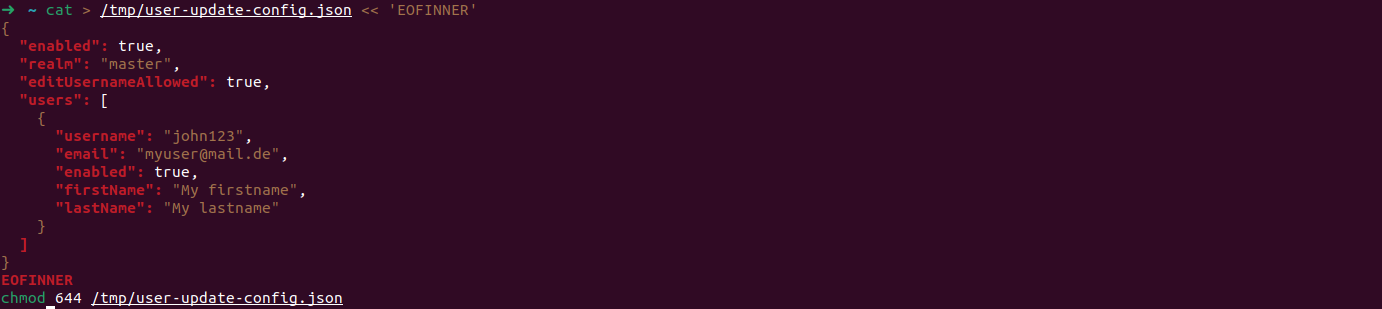
2. Create the Initial Config File with username john123
cat > /tmp/user-update-config.json << 'EOFINNER'
{
  "enabled": true,
  "realm": "master",
  "editUsernameAllowed": true,
  "users": [
    {
      "username": "john123",
      "email": "myuser@mail.de",
      "enabled": true,
      "firstName": "My firstname",
      "lastName": "My lastname"
    }
  ]
}
EOFINNER
chmod 644 /tmp/user-update-config.json
3. Import to Create the User
docker run --rm \
  --network host \
  -e KEYCLOAK_URL=http://localhost:8080 \
  -e KEYCLOAK_USER=admin \
  -e KEYCLOAK_PASSWORD=admin \
  -e IMPORT_FILES_LOCATIONS=/config/user-update-config.json \
  -v /tmp:/config \
  adorsys/keycloak-config-cli:latest-19.0.3

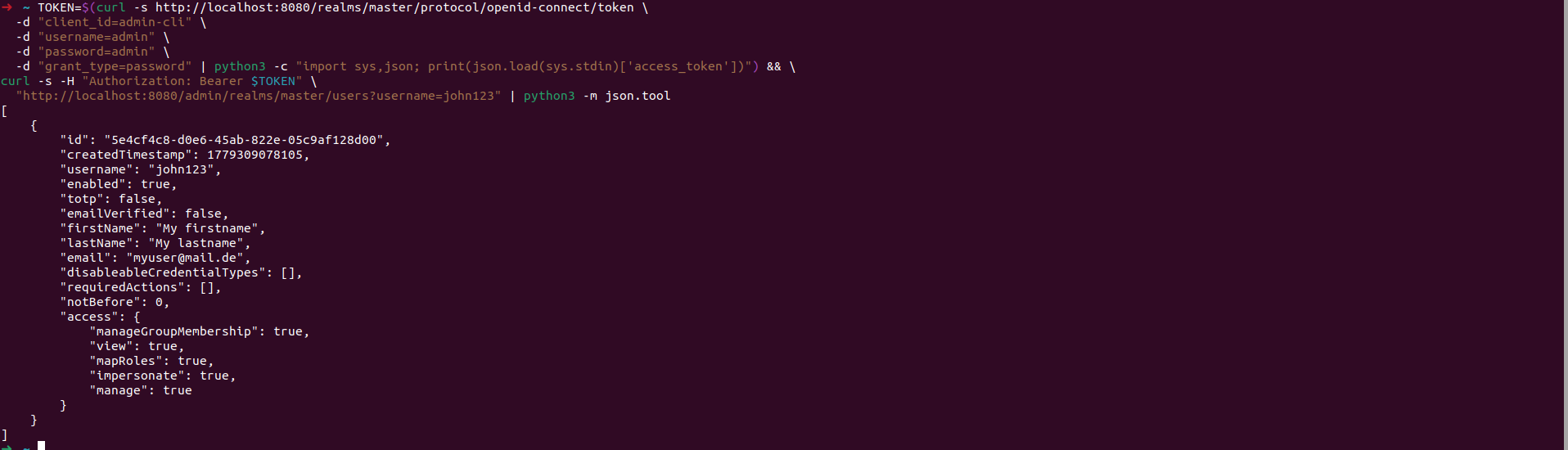
Verify the user was created:
TOKEN=$(curl -s http://localhost:8080/realms/master/protocol/openid-connect/token \
  -d "client_id=admin-cli" \
  -d "username=admin" \
  -d "password=admin" \
  -d "grant_type=password" | python3 -c "import sys,json; print(json.load(sys.stdin)['access_token'])") && \
curl -s -H "Authorization: Bearer $TOKEN" \
  "http://localhost:8080/admin/realms/master/users?username=john123" | python3 -m json.tool
Expected output:
[
  {
    "id": "1f5ca967-7aee-42c1-b6e8-7552d87e24d6",
    "username": "john123",
    "email": "myuser@mail.de",
    "enabled": true,
    "firstName": "My firstname",
    "lastName": "My lastname"
  }
]
4. Update the Config File with New Username john456
cat > /tmp/user-update-config.json << 'EOFINNER'
{
  "enabled": true,
  "realm": "master",
  "editUsernameAllowed": true,
  "users": [
    {
      "username": "john456",
      "email": "myuser@mail.de",
      "enabled": true,
      "firstName": "My firstname",
      "lastName": "My lastname"
    }
  ]
}
EOFINNER
chmod 644 /tmp/user-update-config.json

5. Import the Updated Config
docker run --rm \
  --network host \
  -e KEYCLOAK_URL=http://localhost:8080 \
  -e KEYCLOAK_USER=admin \
  -e KEYCLOAK_PASSWORD=admin \
  -e IMPORT_FILES_LOCATIONS=/config/user-update-config.json \
  -v /tmp:/config \
  adorsys/keycloak-config-cli:latest-19.0.3

Actual output — bug confirmed:
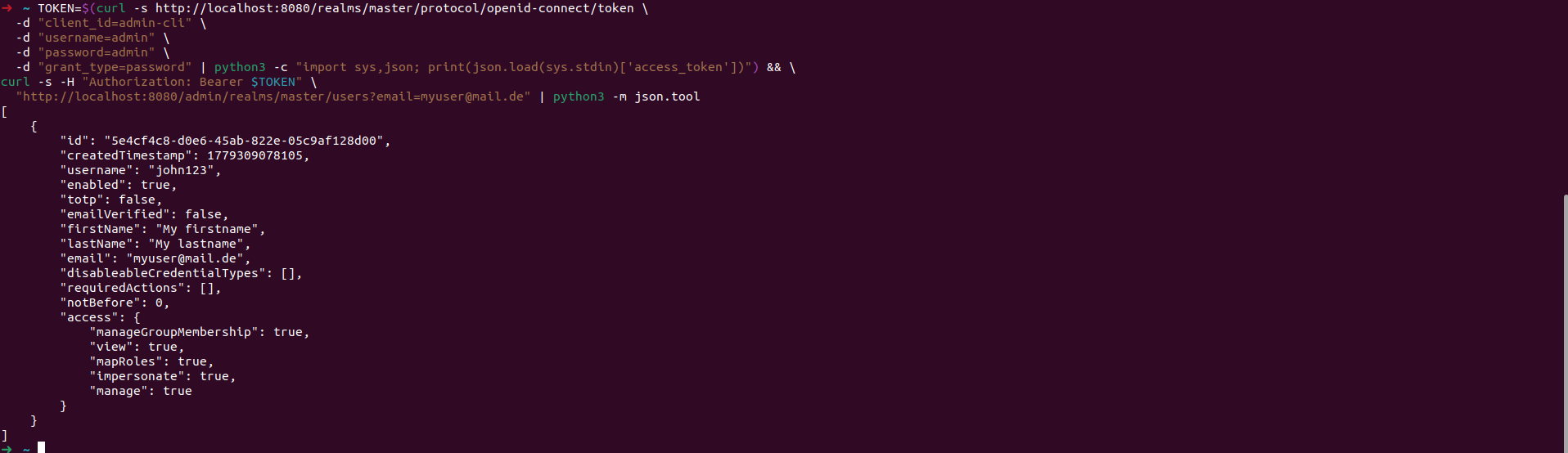
6. Verify Username Was Not Updated
TOKEN=$(curl -s http://localhost:8080/realms/master/protocol/openid-connect/token \
  -d "client_id=admin-cli" \
  -d "username=admin" \
  -d "password=admin" \
  -d "grant_type=password" | python3 -c "import sys,json; print(json.load(sys.stdin)['access_token'])") && \
curl -s -H "Authorization: Bearer $TOKEN" \
  "http://localhost:8080/admin/realms/master/users?email=myuser@mail.de" | python3 -m json.tool
Output — username is still john123, not updated to john456:
[
  {
    "id": "1f5ca967-7aee-42c1-b6e8-7552d87e24d6",
    "username": "john123",
    "email": "myuser@mail.de",
    "enabled": true,
    "firstName": "My firstname",
    "lastName": "My lastname"
  }
]
Root Cause
keycloak-config-cli searched for existing users by username only. When the
username changes in the config, it can no longer find the existing user and
attempts to create a new one. Since the email is already taken by the existing
user, Keycloak returns a 409 Conflict error.
Solution
The fix was introduced in keycloak-config-cli v6.4.0 via
PR #1204.
The user lookup now also searches by email address, so when a username
changes, the existing user is found by email and the username is updated
instead of creating a duplicate.
Two conditions must be met for the username update to work:
- The user must have an email address set in the configuration
editUsernameAllowedmust be set totruein the realm configuration
Fix Steps
Step 1 — Upgrade to Keycloak 26.1.0 and keycloak-config-cli v6.4.0
docker stop keycloak && docker rm keycloak

docker run -d \
  --name keycloak \
  -p 8080:8080 \
  -e KEYCLOAK_ADMIN=admin \
  -e KEYCLOAK_ADMIN_PASSWORD=admin \
  quay.io/keycloak/keycloak:26.1.0 \
  start-dev
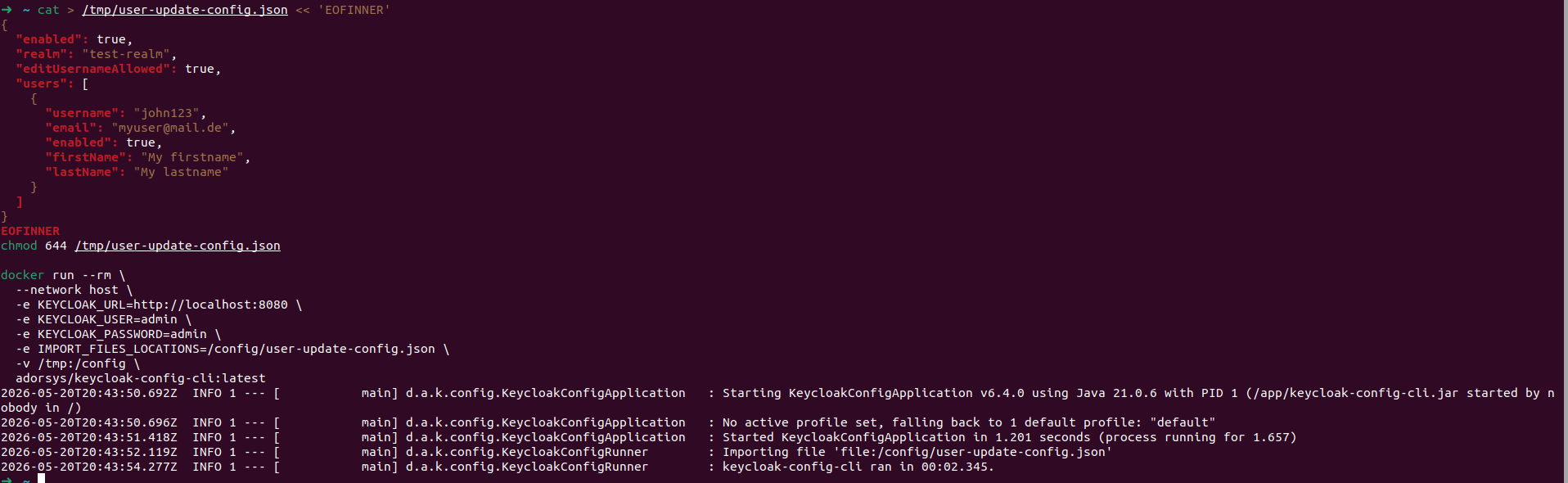
Step 2 — Create realm and user john123
cat > /tmp/user-update-config.json << 'EOFINNER'
{
  "enabled": true,
  "realm": "test-realm",
  "editUsernameAllowed": true,
  "users": [
    {
      "username": "john123",
      "email": "myuser@mail.de",
      "enabled": true,
      "firstName": "My firstname",
      "lastName": "My lastname"
    }
  ]
}
EOFINNER
chmod 644 /tmp/user-update-config.json

docker run --rm \
  --network host \
  -e KEYCLOAK_URL=http://localhost:8080 \
  -e KEYCLOAK_USER=admin \
  -e KEYCLOAK_PASSWORD=admin \
  -e IMPORT_FILES_LOCATIONS=/config/user-update-config.json \
  -v /tmp:/config \
  adorsys/keycloak-config-cli:latest
Step 3 — Update username to john456 and import
cat > /tmp/user-update-config.json << 'EOFINNER'
{
  "enabled": true,
  "realm": "test-realm",
  "editUsernameAllowed": true,
  "users": [
    {
      "username": "john456",
      "email": "myuser@mail.de",
      "enabled": true,
      "firstName": "My firstname",
      "lastName": "My lastname"
    }
  ]
}
EOFINNER
chmod 644 /tmp/user-update-config.json

docker run --rm \
  --network host \
  -e KEYCLOAK_URL=http://localhost:8080 \
  -e KEYCLOAK_USER=admin \
  -e KEYCLOAK_PASSWORD=admin \
  -e IMPORT_FILES_LOCATIONS=/config/user-update-config.json \
  -v /tmp:/config \
  adorsys/keycloak-config-cli:latest
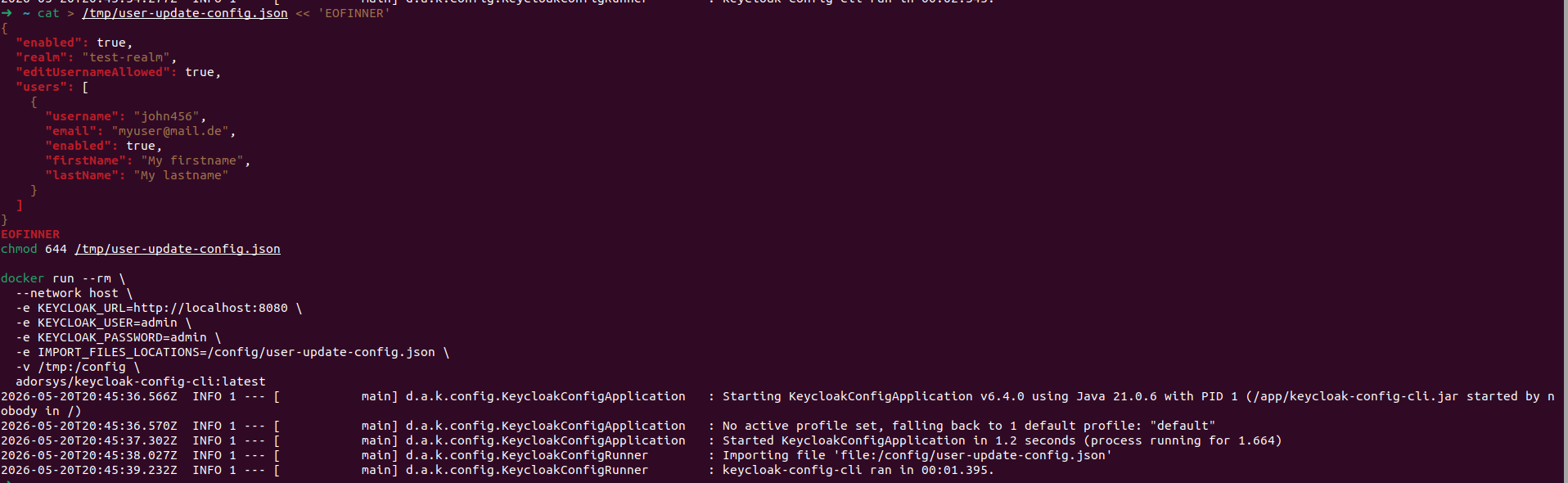
Import completes successfully with no errors.
Step 4 — Verify username was updated
TOKEN=$(curl -s http://localhost:8080/realms/master/protocol/openid-connect/token \
  -d "client_id=admin-cli" \
  -d "username=admin" \
  -d "password=admin" \
  -d "grant_type=password" | python3 -c "import sys,json; print(json.load(sys.stdin)['access_token'])") && \
curl -s -H "Authorization: Bearer $TOKEN" \
  "http://localhost:8080/admin/realms/test-realm/users?email=myuser@mail.de" | python3 -m json.tool
Expected output — username updated to john456, same user ID preserved:
[
  {
    "id": "5901fddc-a7e3-4564-8c0e-d4e4c861fe54",
    "username": "john456",
    "email": "myuser@mail.de",
    "enabled": true,
    "firstName": "My firstname",
    "lastName": "My lastname"
  }
]
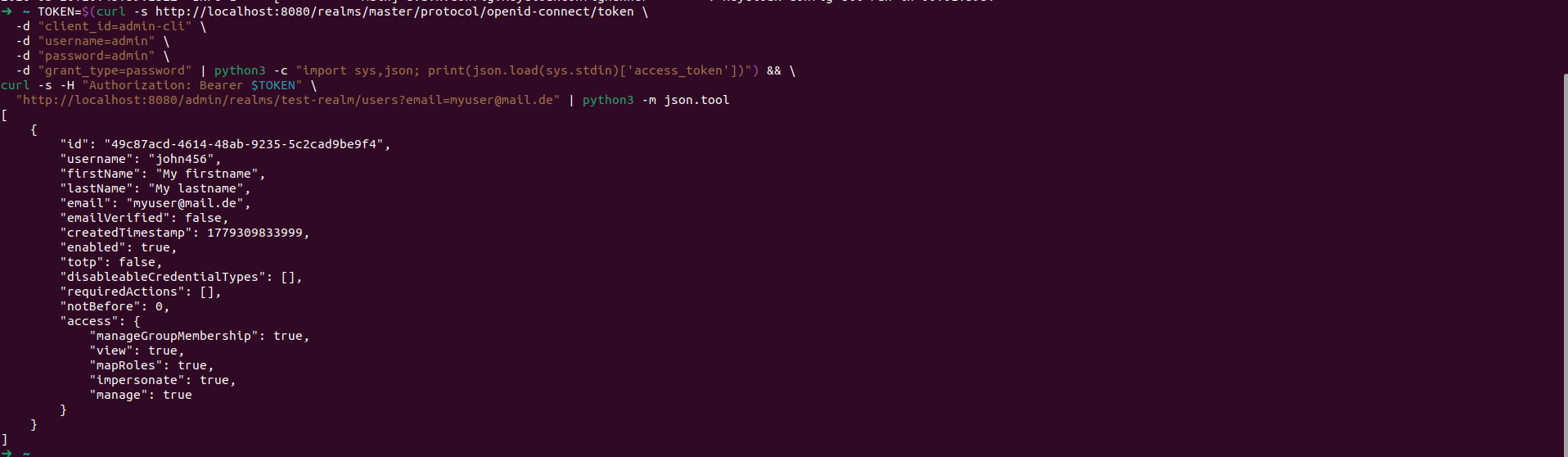
Expected Behavior
When editUsernameAllowed is set to true in the realm and the user has an
email address, changing the username in the import config should update the
existing user's username rather than attempting to create a new user.
Summary
| Detail | |
|---|---|
| Error | 409 Conflict when trying to update a username |
| Cause | keycloak-config-cli searched users by username only, not by email |
| Fix | Upgrade to keycloak-config-cli v6.4.0+ |
| Requirement 1 | editUsernameAllowed: true in realm config |
| Requirement 2 | User must have an email address set |
| Fixed in | PR #1204 |
| EOF |